Vetucate
Pilot conversations
Discuss how Vetucate fits your clinic’s surgical documentation workflow and review the first cases together.
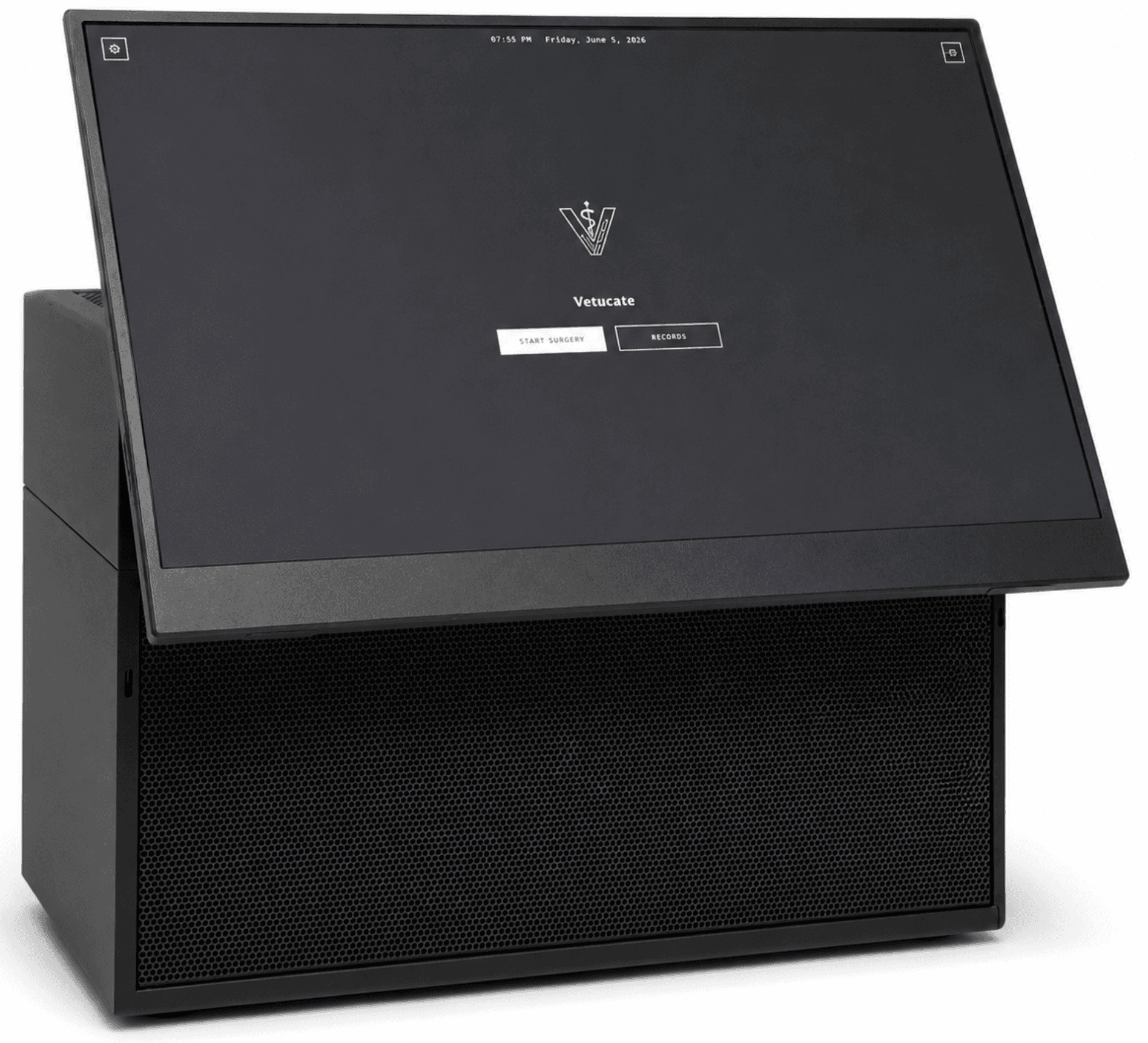
Prepare the recording environment
Camera placement must capture the intended view and clear team speech. Audio reaches the appliance through the camera. Confirm video and audio before starting each case.
Prepare the team
Set the clinic name and saved team profiles. Choose the species and procedure when starting a case, including additional procedures where needed.
Say each fact once with its number, unit and side where relevant. A fact that is not captured remains missing; procedure context cannot fill it in.
Review the first cases
Compare the draft with your own records. Review quotations, attribution, missing details and conflicts before approval. Clinical values cannot yet be entered into missing fields on the appliance.
Discuss the deployment
Share your clinic, role, case volume and recording setup. Pilot arrangements and the final system configuration are discussed directly.
Discuss a pilot