Procedure library
527 procedures across 14 species groups guide what the system listens for. Procedure knowledge never supplies a patient fact.
Explore the procedure librarySystem
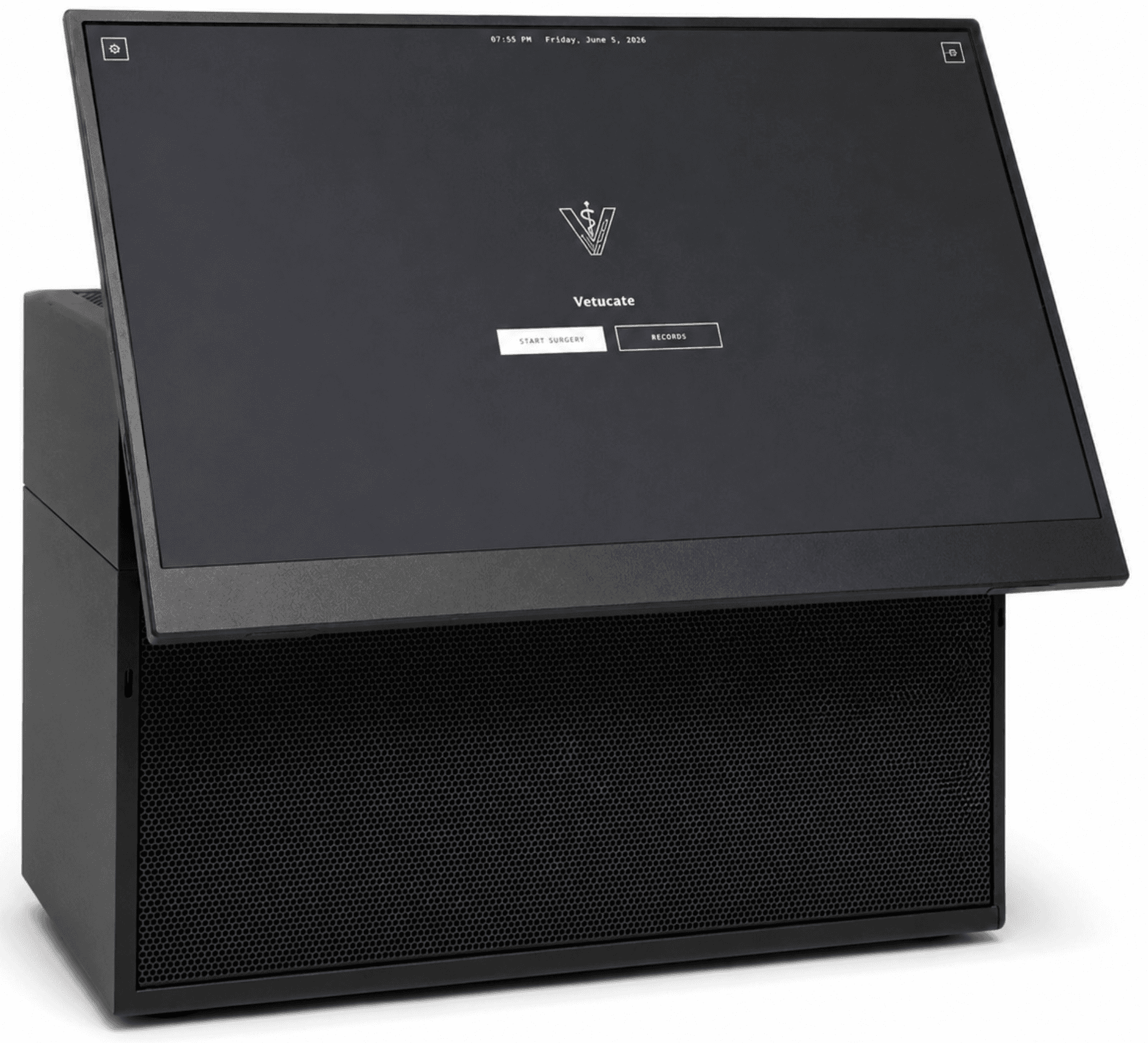
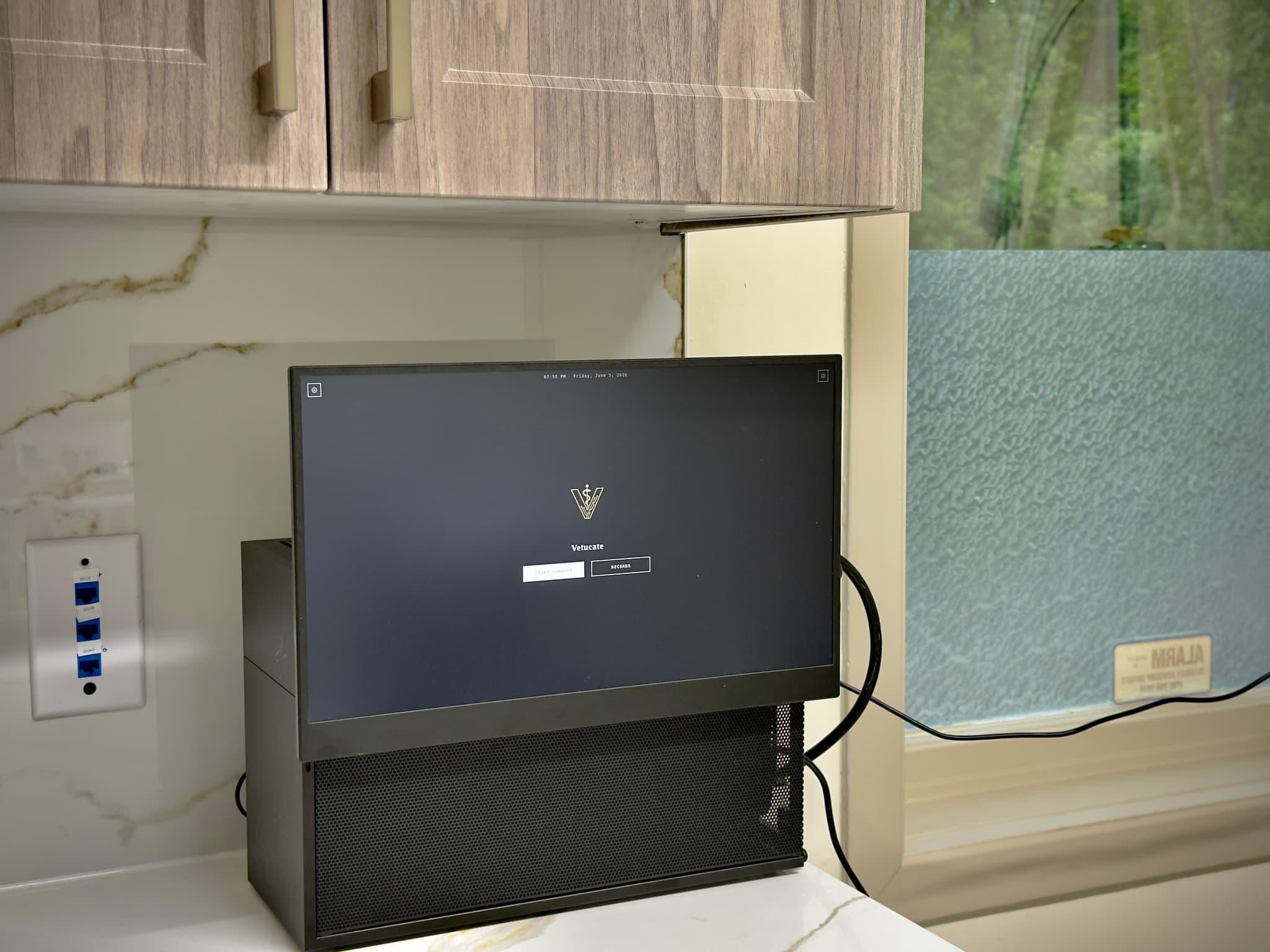
Vetucate is a dedicated surgical documentation appliance. It is not general software, a cloud service, or a subscription platform. The system ships as a purpose-built unit with an integrated touchscreen, local processing, and camera-ready hardware.
Not diagnostic · Not autonomous · Not cloud-based
Pipeline
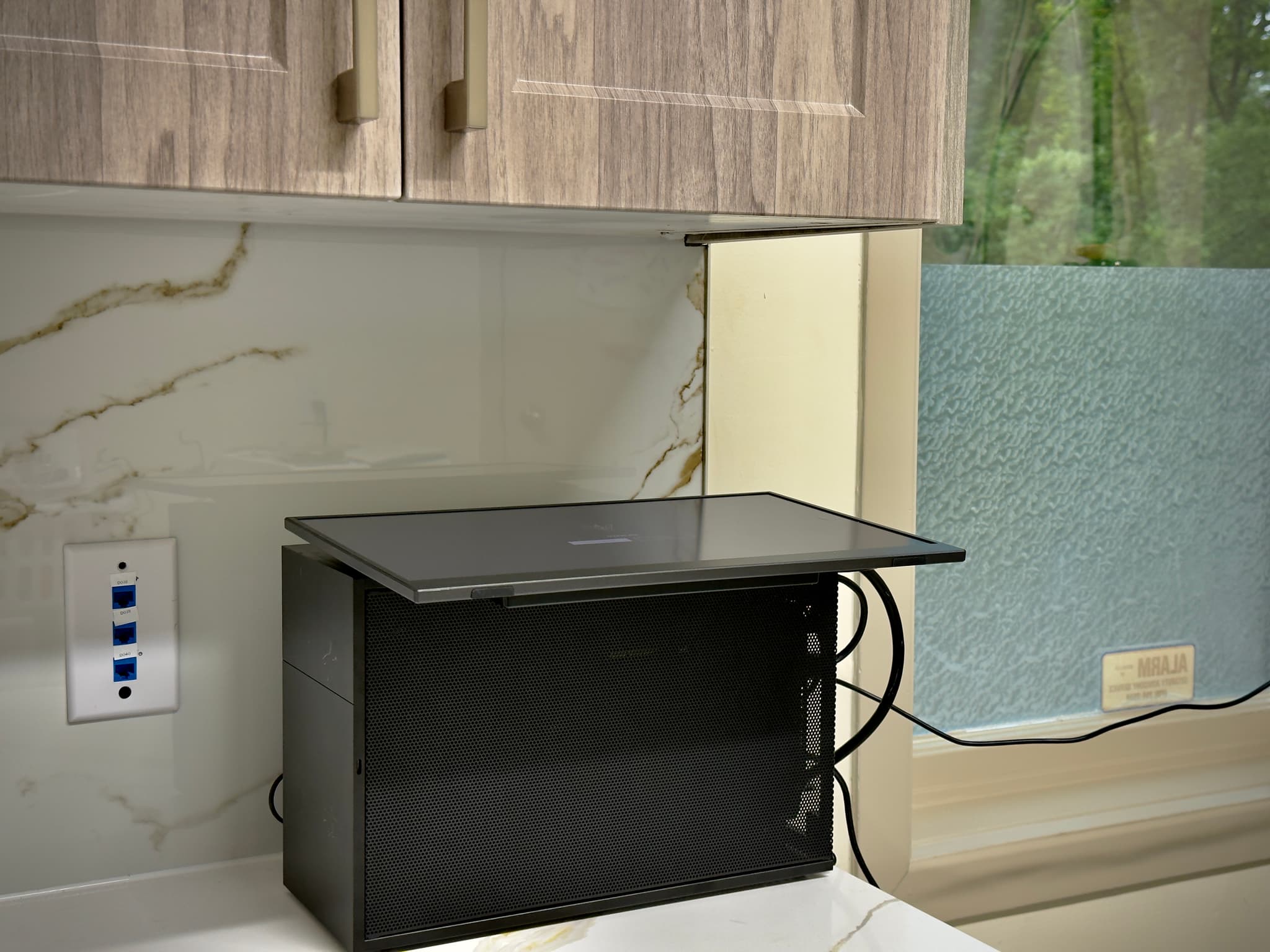
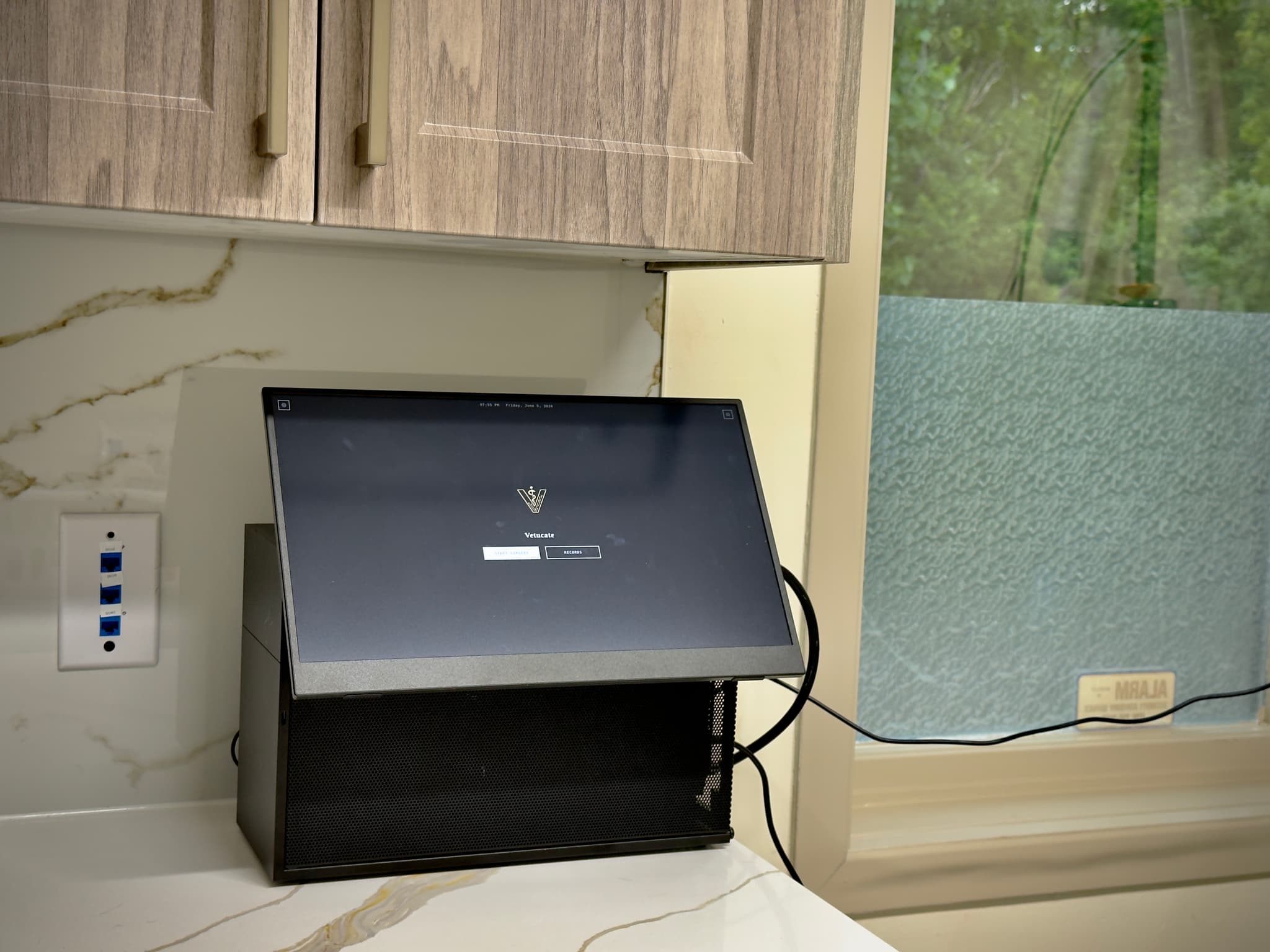
Screen rotation
Horizontal
Angled
Upright
The touchscreen panel rotates from flat to fully upright, sitting flush on any counter when not in use and raising to a comfortable viewing angle during surgery.
Workflow
Before Surgery
During Surgery
After Surgery
In the operating room
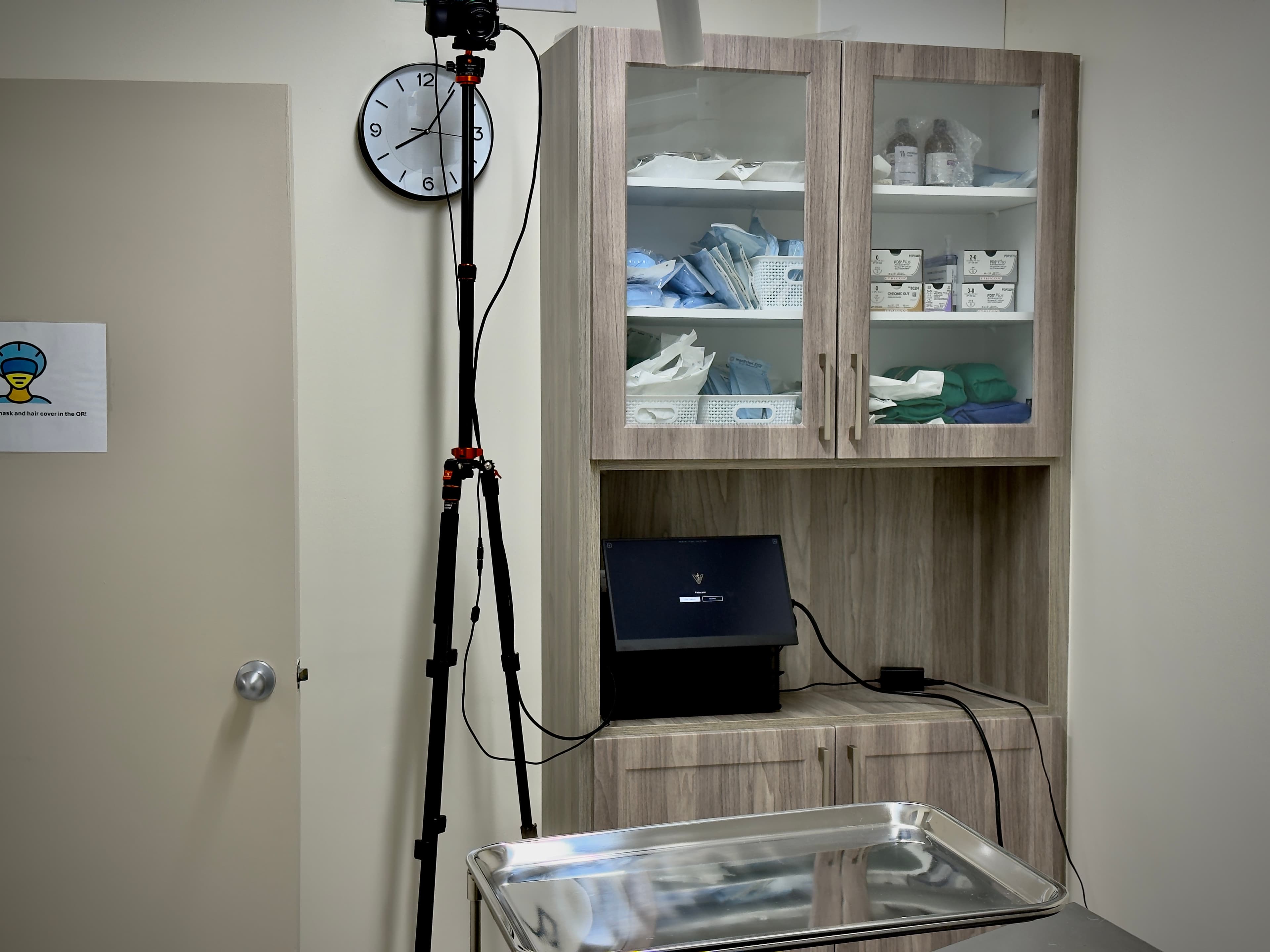
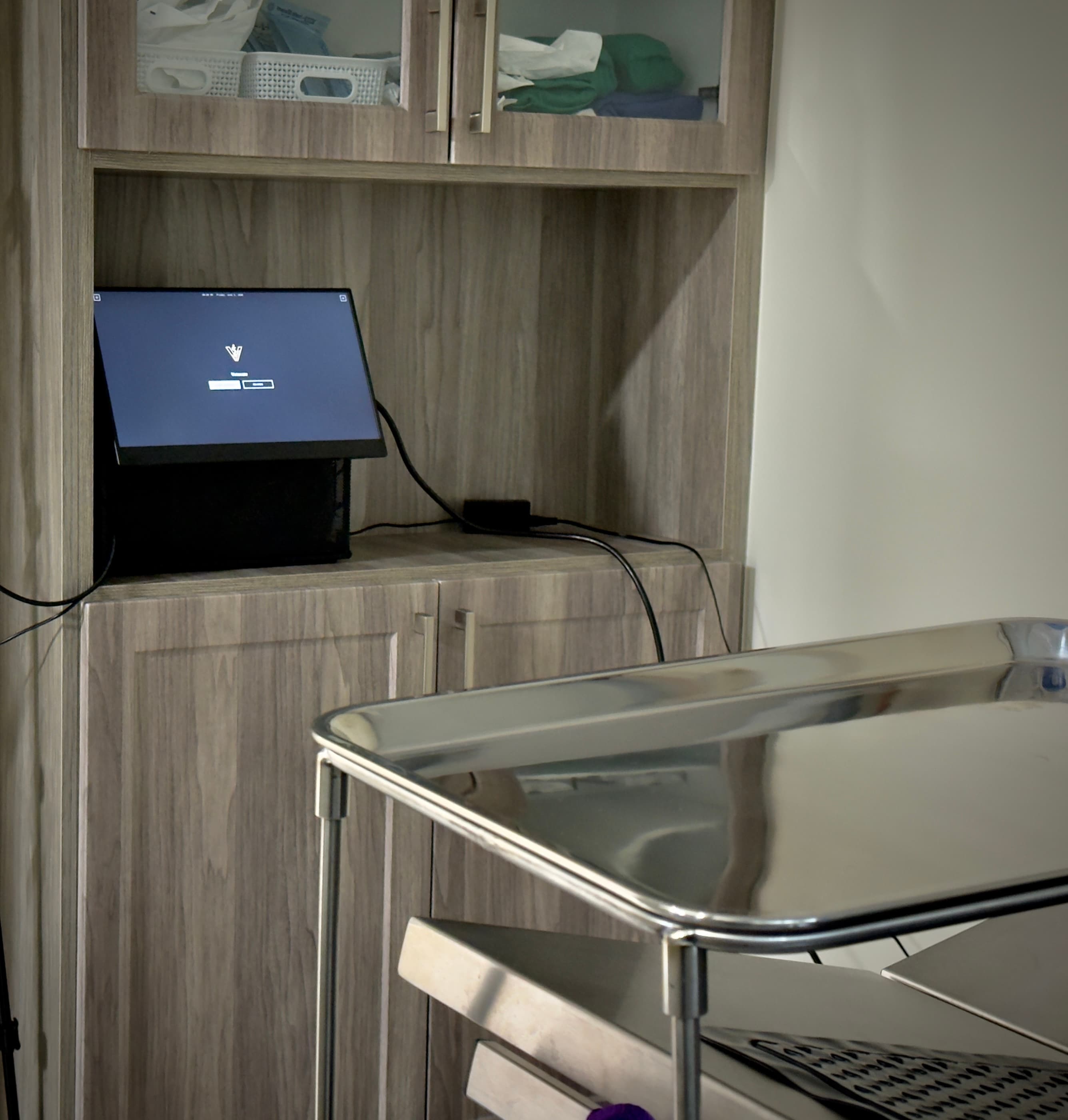
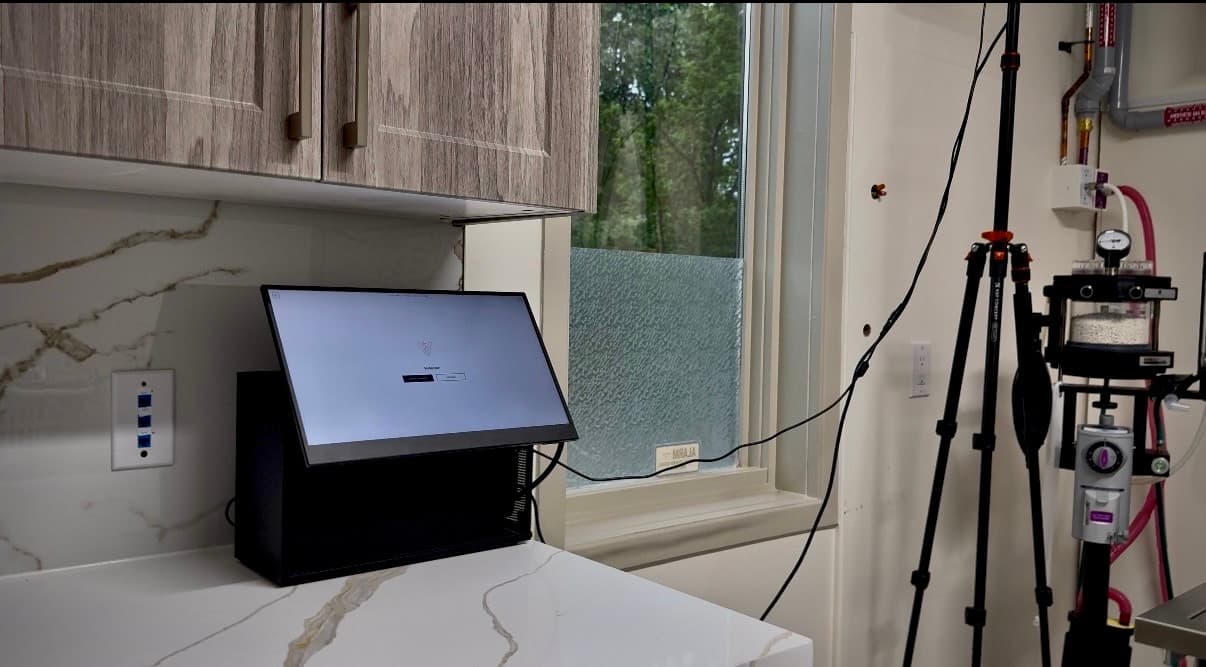
Camera shown uses a demonstration tripod. Clinical installations are intended to use a ceiling or wall mount for a cleaner, unobstructed setup.
Every procedure produces a CVO-ordered clinical draft, an interactive timeline, a synchronized 4K recording with faces blurred on the device, and a manifest that fingerprints and chains each interval. Reported cases up to two hours finish in about one to two minutes after Stop. Approval produces the requested three-page client report.
The system operates alongside the surgical team without interrupting workflow. The veterinarian remains the sole authority for interpretation, judgment, and clinical decisions. Vetucate records what is observable and verbally stated. Nothing more.
Reliability
Procedures are recorded in structured 30-second intervals. If an interruption occurs, only the active unfinished interval may be affected. All completed intervals are preserved. Facts merge into one case record without silently overwriting earlier evidence. Conflicting values are preserved for review.
Not diagnostic · Not autonomous · Not cloud-based · Export requires surgeon approval
Approval Workflow
After processing completes, the surgeon reviews the generated record on-device (timeline, report, and recording) and adds an approval note before export is permitted. No case can be exported without explicit sign-off. This is enforced at the system level, not by policy.
The approval gate is the concrete implementation of human-in-the-loop documentation: the system cannot bypass it, and neither can Vetucate remotely.
Proprietary Models
Vetucate:A transcribes speech. Vetucate:D labels speakers. Vetucate:V reads monitor heart rate, SpO₂, blood pressure and temperature, retaining the source image region. Vetucate:R writes and audits the record from spoken evidence, guided by veterinary terminology, CVO record-keeping language and the selected procedure.
Spoken and monitor readings are labelled separately. Missing information remains Not documented. Monitor extraction has been demonstrated on captured frames; live-theatre monitor validation remains outstanding.
Say each fact with its number, unit and side where relevant. The system records what is captured or selected; procedure knowledge never supplies a missing patient fact.
Most professional wording is prepared while the operation runs. After Stop, the case state is saved before final composition. Interrupted finalization can be recovered from that state. Video assembly runs alongside the record.
The complete case
Explore the clinical record, client report, timeline and procedure recording.
Clinical record
Explore the clinical sections, source evidence and veterinarian’s review.
Explore clinical recordClient report
Three pages explain the procedure, this animal’s care and recovery.
Explore client reportTimeline
Navigate the recording alongside speaker-labelled speech, monitor readings and captured facts.
Explore timelineVideo
A synchronized 4K recording, with audio and on-device face blur, accompanies the approved case.
Explore video527 procedures across 14 species groups guide what the system listens for. Procedure knowledge never supplies a patient fact.
Explore the procedure libraryAfter approval, choose a private Wi-Fi session or USB export to transfer the selected case.
See the sharing workflow